# The Redemption Widget
### Redeeming rNFTs using the Boson Widget
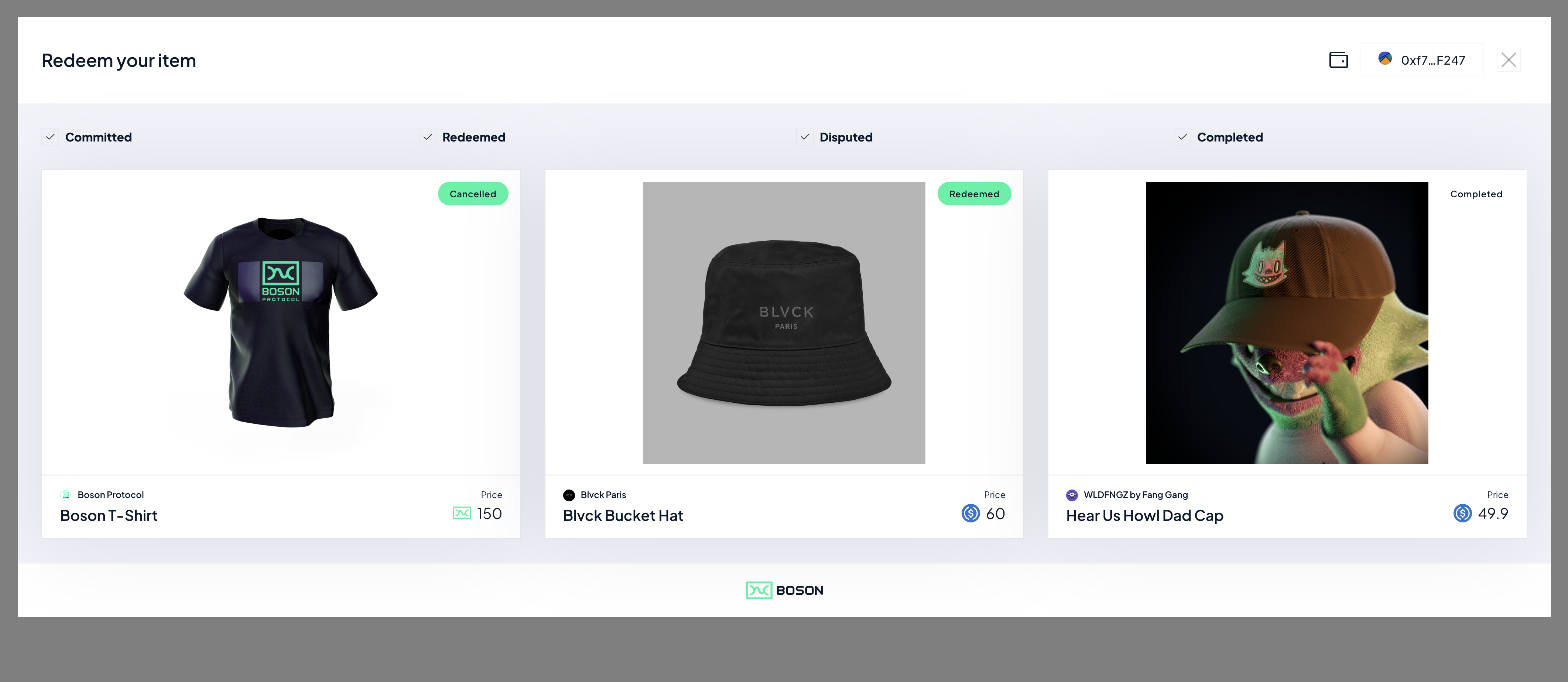
With the release of the Boson Redemption Widget Sellers can now offer redemption of their rNFTs on their own domains.
Sellers can chose to sell their rNFTs everywhere in the metaverse, in game, on NFT marketplaces, or from the Boson dApp whilst bringing users back to their own domain to redeem their NFTs.
The Boson Redemption Widget allows Sellers to simply embed, via a few lines of code, redemption functionality of their rNFTs into an existing website.
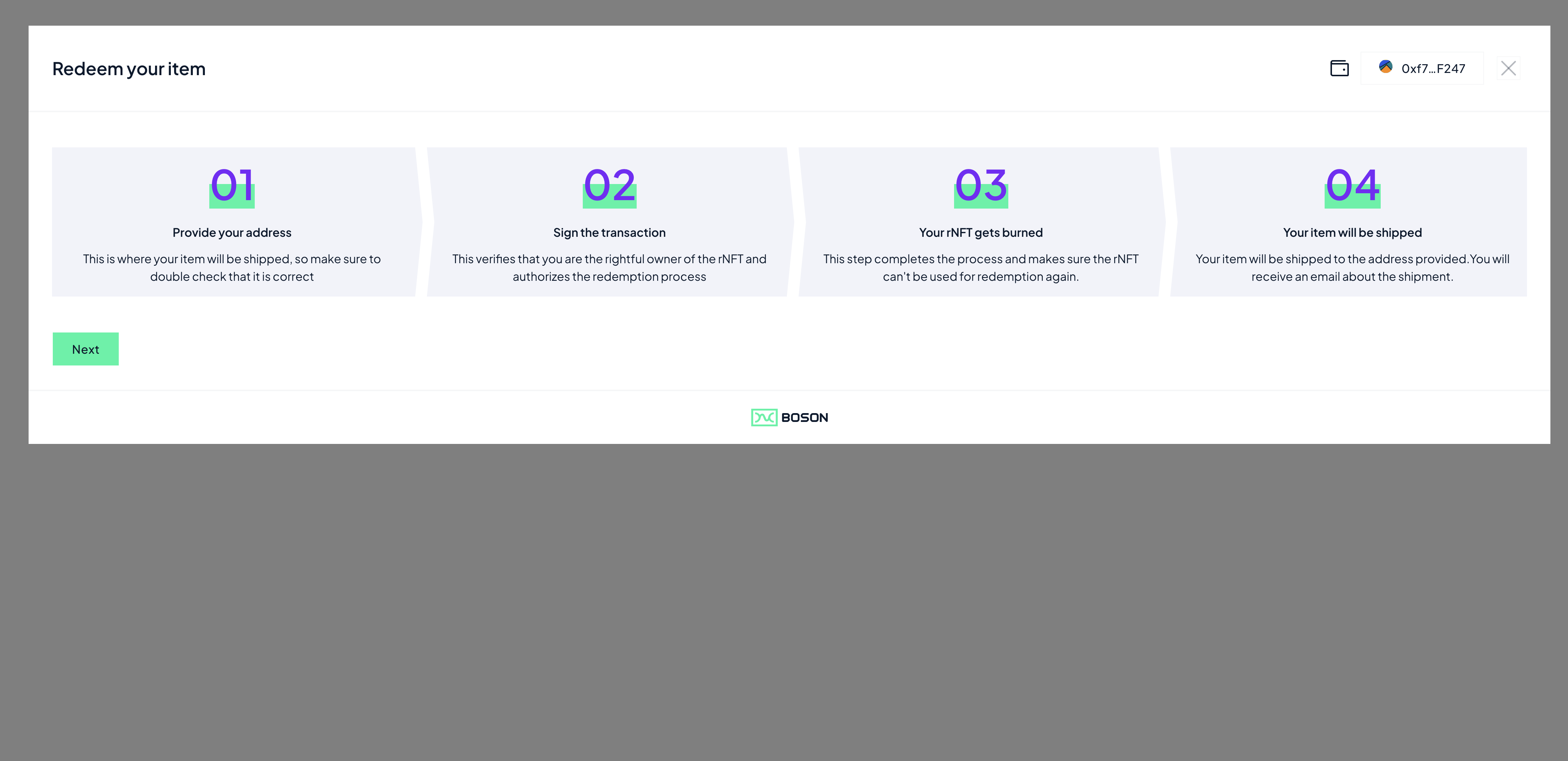
To integrate the Boson Redemption Widget, all a seller needs to do is:
1. Add the following `
```
2. The Seller then needs to create a button with the fragment identifier *id="boson-redeem"*. When clicked, the redeem modal will popup on the Seller's website.
```html
```
### Using the Boson Redemption Button
As a seller you can also chose to use the Boson branded "Redeem" Button on your website, if you would like to do this, all you need to do is :
1. Add the below 2 lines of code in HTML `` section:
```html
...
```
2. Add the below class name to the "boson-redeem" button:
```html
```
#### Redeeming a specific rNFT
The Boson Widget's default behaviour is to show a buyer all of their redeemable vouchers, the widget be configured to direct a buyer to a given rNFT for redemption, this enables different user flows. This the way that the Widget is used on [the Boson dApp](https://bosonapp.io/).
A Seller can specify which exchange is going to be redeemed by the widget, by:
1. add a *data-exchange-id* tag to the "boson-redeem" button, specifying the exchangeId of a given exchange:
```html
```
You can find an example HTML file which embeds the widgets on the the widgets subdomain :
---
# Agent Instructions: Querying This Documentation
If you need additional information that is not directly available in this page, you can query the documentation dynamically by asking a question.
Perform an HTTP GET request on the current page URL with the `ask` query parameter:
```
GET https://docs.bosonprotocol.io/learn-about-boson-protocol/quick-start-tutorials/seller-side/widgets/the-redemption-widget.md?ask=
```
The question should be specific, self-contained, and written in natural language.
The response will contain a direct answer to the question and relevant excerpts and sources from the documentation.
Use this mechanism when the answer is not explicitly present in the current page, you need clarification or additional context, or you want to retrieve related documentation sections.